

Most people install a journaling app on a Sunday night and abandon it by Thursday. The problem is rarely discipline. It is usually a mismatch between the app’s idea of reflection and the one you can actually sustain on a busy Tuesday. A daily self reflection app lives or dies on whether the daily loop fits into your real day, not on how many prompts sit in its library.
This guide walks through what to examine before you hand over your notes, your mood data and possibly a subscription. Some of it is about features. A lot of it is about the questions apps tend to bury in settings screens.
What a daily self reflection app actually does
Self reflection apps vary widely, but most fall into a few broad shapes. Some are AI-powered journaling tools and mental wellness coaches built around building a consistent reflection habit, available on iOS and Android. Others lean on guided structure, walking you through highlights and lowlights and then across defined life dimensions such as mind, body, soul, work, play and love.
Another common shape is the prompt library, where an app offers hundreds of daily prompts designed to help you explore your thoughts, manage anxiety or build a gratitude practice. And a fourth category focuses on mood tracking, using AI-guided prompts, mood insights and a home-screen widget to keep a streak alive.
None of these are inherently better. What matters is which shape matches the way you already think. If you tend to process by talking, a coach-style app suits you. If you freeze at a blank page, prompts help. If you want data over narrative, mood tracking with analysis will hold your attention longer.
The two-minute test
Before you install anything, decide how long your honest daily entry is. Two minutes is a reasonable benchmark because it survives bad days, travel and late nights. Apps that demand ten minutes of structured writing often work brilliantly for a fortnight and then stop.
Ask yourself three things:
- Can I complete a full entry while waiting for a kettle to boil?
- Does the app let me skip a prompt and still record something?
- Is there a fast path, like a rating plus a short note, rather than only long-form writing?
A rating plus a short note is a useful minimum because it captures the day even when you have nothing articulate to say. Over weeks, that small record becomes searchable and analysable, which is where reflection turns into something more than a diary.
Prompts, structure and how much guidance you want
Prompt quality matters more than prompt quantity. Hundreds of prompts sound generous, but you will realistically cycle through a few dozen. Look for prompts that produce specific answers rather than vague ones. “What drained you today” tends to generate more than “how do you feel.”
Also check what happens after you answer. Some apps move you into a follow-up question that pushes deeper. Others simply save the entry and move on. Both are valid, but only one builds momentum inside a single sitting.
If you value structure, look for frameworks. Reflecting across fixed life dimensions gives you a consistent lens and makes month-to-month comparison easier. If you find frameworks stifling, choose an app with a lighter touch and let themes emerge on their own.

AI features: coach, autopilot or gimmick
AI appears in reflective apps in several forms. One approach has the app coach you in real time and turn journal entries into insights. Another generates prompts based on your mood and history. A third uses AI for pattern recognition across entries, which is genuinely difficult to do manually over months of writing.
There is a real difference between an app that listens and responds, and one that writes reflections for you. The second is a problem. If an app produces a summary of your week that you never processed yourself, you have skipped the reflection and kept only the record.
Test the AI before paying for it. Write three honest entries and see whether the responses feel like a considered reply or a recycled template. If it paraphrases your entry back at you without adding a question or a pattern, it is decoration.
Privacy and data ownership checks
This is the section most people skip, and it matters most if your notes involve other people. Coaches, team leads and anyone journaling about work will accumulate entries containing details about colleagues, clients or family.
Check for these specifics before installing:
- Is your content private by default, or public unless you change a setting?
- Can you export everything in a single file, in a format you can read elsewhere?
- Can you delete your account and your data completely, without emailing support?
- Are your notes used for advertising or model training?
- If the app has group features, who can see shared entries and reports?
Group functionality deserves separate scrutiny. Open, closed and invited groups behave differently, and a shared report is not the same as a shared entry. Understand which one you are creating before you invite anyone.

Pricing, free tiers and what actually sits behind the paywall
Free tiers in this category vary from genuinely usable to a trial in disguise. Look at which specific features are gated. If daily entries are free but export is paid, you are locked in rather than supported.
Compare the shape of the pricing rather than just the number. Per-seat pricing suits coaches working with clients. A single low monthly cost suits individuals. Watch for annual-only plans that hide the real commitment, and confirm what happens to your entries if you stop paying.
Ratings give a rough signal but not much more. Apps in this space carry scores in the 4.3 to 4.8 range across thousands of reviews, and editorial awards are common. None of that tells you whether the daily loop fits your life. Read the negative reviews specifically looking for complaints about syncing, lost entries and cancellation.
Streaks, gamification and the guilt problem
Streaks are the most argued-about feature in reflective apps. A streak can carry you through a low-motivation week. It can also turn reflection into a performance for a graph, which is the opposite of the point.
Look at how the app treats a missed day. Does it reset silently, or does it scold you? Does it let you backfill an entry you wrote elsewhere? An app that punishes gaps will eventually train you to write filler just to protect a number.
If you respond well to streaks, use them. If you find them stressful, check whether they can be hidden or switched off before you commit to a year.
Platforms, sync and offline behaviour
Most apps now run across iOS, Android and the web, but the experience is rarely identical. Check three things: whether the mobile app works offline, whether entries written offline sync cleanly, and whether the web version can do everything the phone version can.
Offline-first design matters if you reflect during a commute or travel. Losing an entry because you had no signal is the fastest way to quit an app.
Also confirm cross-platform availability if you switch phones. Some tools are positioned specifically as cross-platform writing apps, which is worth prioritising if you have changed devices more than once in the past two years.
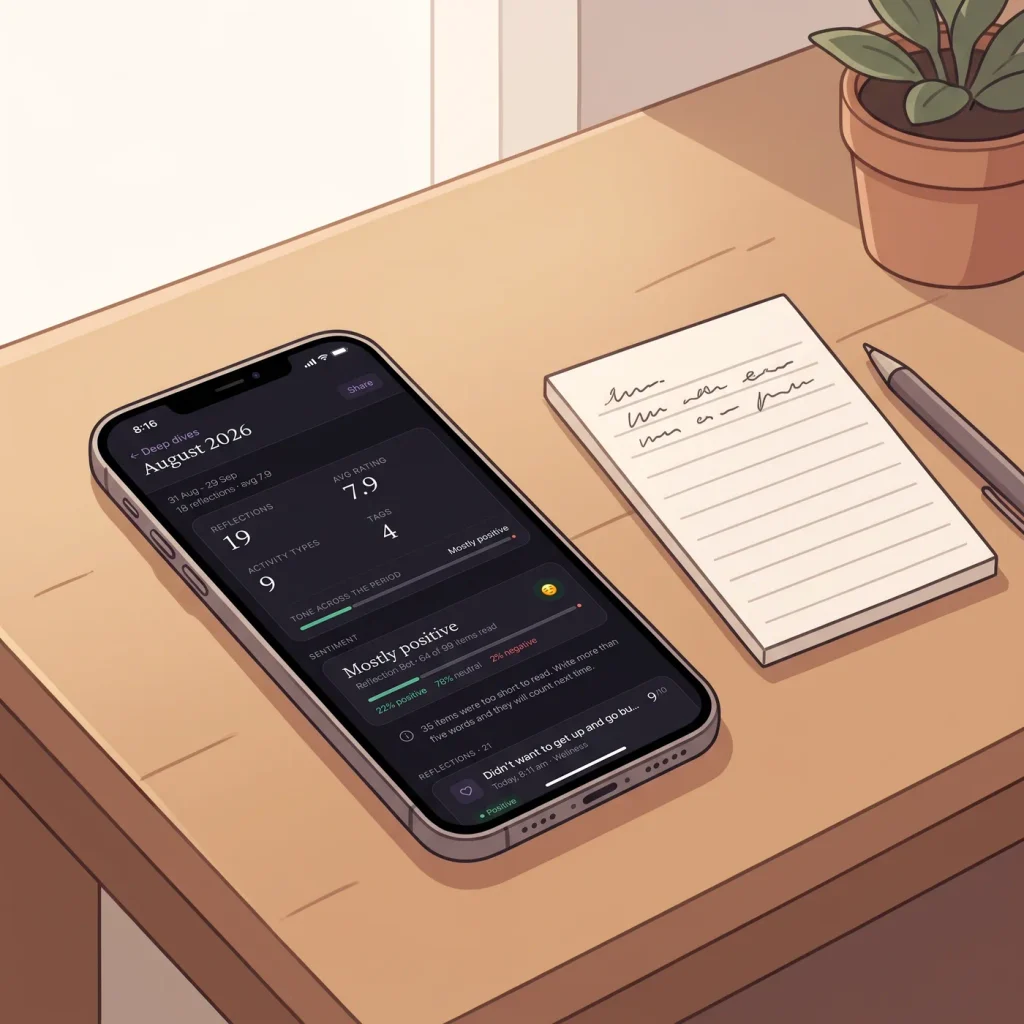
A pre-install checklist
Run through this before you tap install. It takes about five minutes and saves a lot of re-entry later.
- Write one sample entry in your head and time it. Under two minutes is ideal.
- Confirm the app works on every device you own and syncs between them.
- Read the privacy policy for the words export, delete and advertising.
- Check whether daily entries are free or paywalled after a trial.
- Look for a one-file export option that does not require support.
- Decide whether you want AI coaching, prompts, mood tracking or all three.
- Check how streaks behave when you miss a day.
- Read the one-star and two-star reviews for sync and cancellation complaints.
If an app passes those checks, the next step is simply to use it daily for two weeks before judging it. Reflection compounds slowly, and the value of a searchable record of your decisions and outcomes only becomes obvious once there is enough of it to search.
Frequently Asked Questions
How long should a daily reflection take?
Two minutes is a realistic target for most people. A rating plus a short note captures the essentials of a day without turning reflection into a chore. Longer sessions are fine when you have something specific to work through, but a daily habit built on short entries will outlast one built on lengthy writing sessions.
Is an AI journaling app private?
It depends entirely on the app. Look for private-by-default entries, a one-file export, real account deletion and a clear statement that your notes are not used for advertising. Anything involving group features or shared reports deserves extra attention, especially if you write about clients, colleagues or family members.
Do I need a paid plan to build the habit?
Not necessarily, but check which features sit behind the paywall. If daily entries are free and only advanced reports are paid, the free tier is genuinely useful. If export is paywalled, treat that as a lock-in signal rather than a feature upgrade, and factor in what happens to your entries if you stop paying.
What should I write about if I have nothing to say?
Start with a rating and one sentence. A prompt like what drained you today or what went better than expected usually produces something. If prompts still feel heavy, note a decision you made and whether you would make it again, which gives you something concrete to compare later.
Can I move my entries if I change apps?
Only if the app offers a full export in a readable format. Before installing, search the help centre for export, download and delete. If those terms do not appear, assume your entries stay where they are, and decide now whether that trade-off is acceptable to you.
Try the two-minute version tonight.
Reflecting is free, on iPhone, Android and the web. Professional has a 7-day trial.
Get the appKeep reading

Reflection practice
Daily Self Reflection App: What to Check Before You Install
Installing a reflection app takes about twenty seconds. Sticking with one takes months, and most people work that out the hard way. The app store listing shows you...
Reflection practice
Self Reflection App: How to Choose One You Will Still Open in 2026
Not every self reflection app earns a second week. Judge prompts, privacy, export and friction before you download one you will still open in 2026.